


Week 7: Materials and Texturing
- Manan Sarkhedi
- Jan 3, 2023
- 2 min read

Updated: Jan 3, 2023
Week 7 covered the the basics of shaders and PBR - Physically based rendering. Physically based rendering (PBR), sometimes known as physically based shading (PBS), is a method of shading and rendering that provides a more accurate representation of how light interacts with material properties.

This week covered exploring different types of shaders in Maya Arnold which uses PBR to render. We used the different properties of ai standard surface shader.


Before starting with the shaders you need to setup lights and a camera. After doing that the arnold renderview will show the preview of the render.
Base Layer and Specular layer
Weight - The light that is absorbed versus the light that is reflected. Object becomes darker as you decrease the weight.
Color changes the base color of the mesh
diffused roughness - used for absorbent surfaces like sand and concrete
Metalness - used to create metallic objects. It gives metal qualities such as complex Fresnel and full specular reflection.
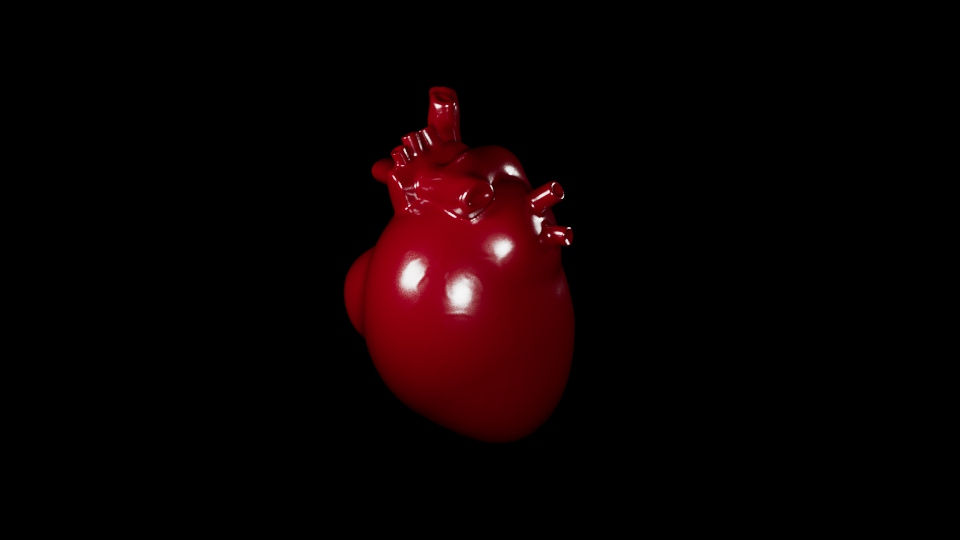
After learning about these I wanted to try them on my DSP model as soon as possible because it was a skill I needed to learn and apply it for my submission. So, I created a few area lights and started experimenting different properties of the aistandardsurface shader. This image below is the base setup with a color.
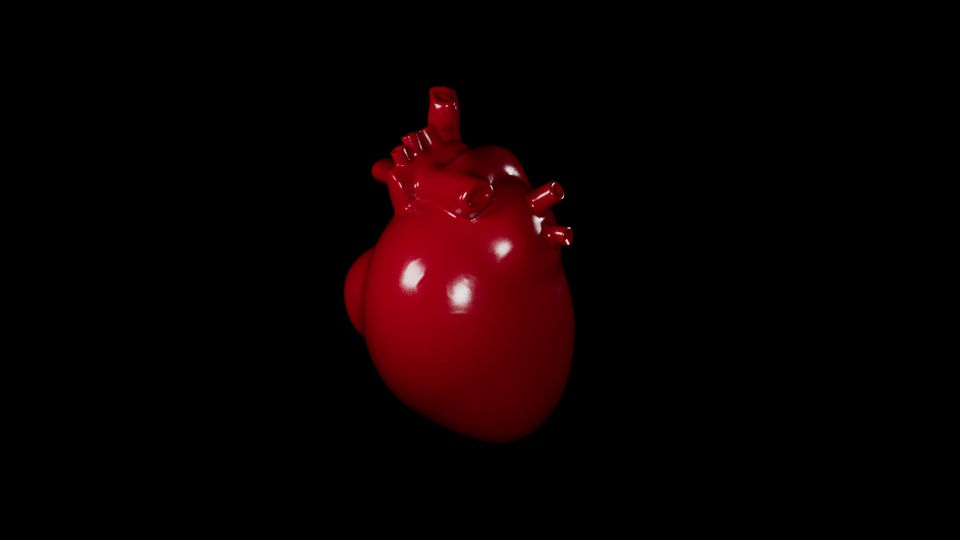
I increased the diffused roughness here

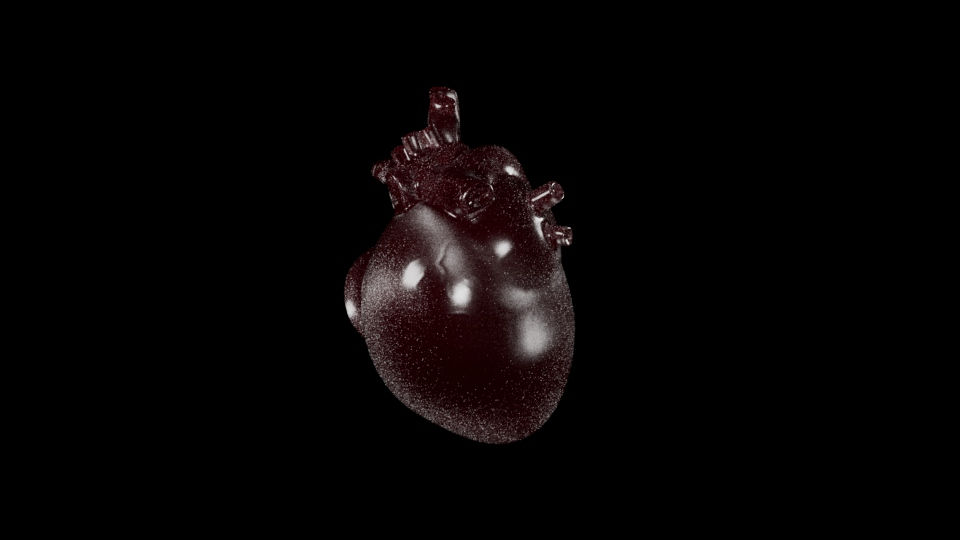
And increased metalness in this one.

Transmission Layer

Subsurface Layer

Coat Layer

Sheen Layer

Emission Layer

Thin film Layer
We also learnt about Hypershade in maya which is the central working area of Maya rendering, where you can build shading networks by creating, editing, and connecting rendering nodes, such as textures, materials, lights, rendering utilities, and special effects.


Initially I found it confusing when it came to connecting and disconnecting nodes and even though I am still a bit confused experimenting with it, I feel I got the gist of it.
This week overall felt like I did not manage my time well between DSP and this module and to use these shaders to their full extent demands more research into the concepts and experimentation on my part because shaders can make a huge difference in the look and feel of an object.
Comments